
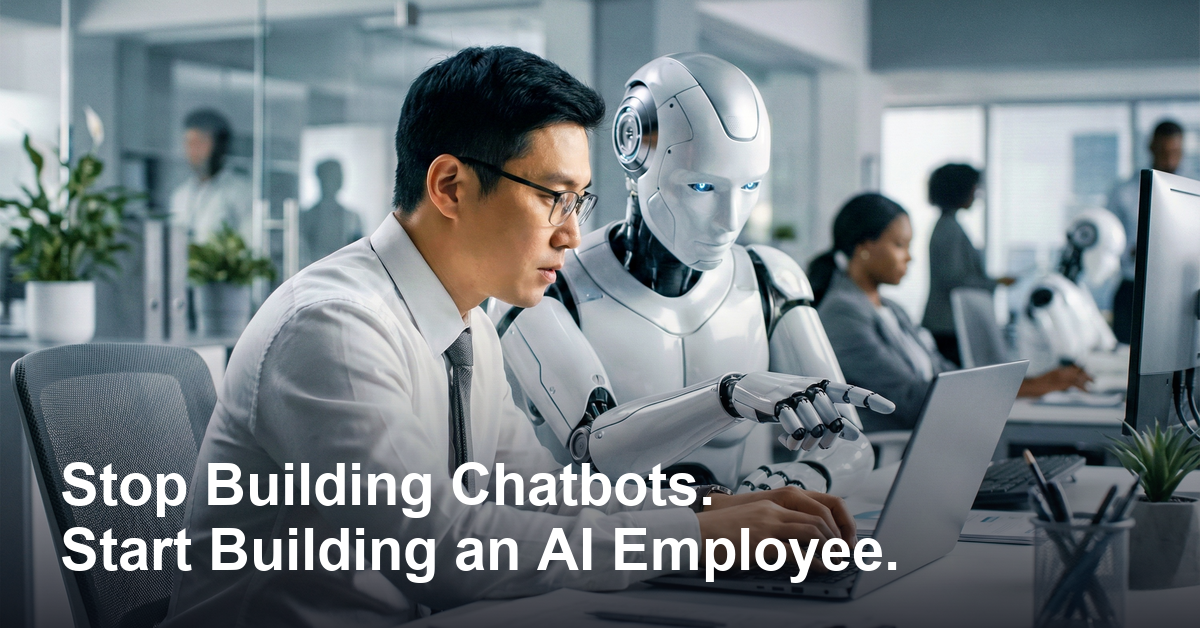

Everyone’s got an AI “agent” doing something for them these days — drafting emails, summarizing notes, answering the odd question. Handy, sure. But most of these setups have the memory of a goldfish. Close the tab and it forgets you ever existed. Open it back up tomorrow and you’re re-explaining your business from scratch. That’s not an AI employee. That’s a very capable stranger you keep re-hiring every morning.
There’s a better way to think about this, and it comes down to a handful of ingredients most people skip past on their way to the flashy demo.
An AI Agent Is Just a Loop With Hands
Strip away the buzzwords and an “agent” is simple: it looks at a goal, takes a step, checks the result, takes the next step, and keeps going until the job’s done. Add the ability to actually reach outside itself — search something, click something, run something — and now it’s not just talking about the work, it’s doing it. (Anthropic’s own writeup on building effective agents makes the same point: the best setups skip the complicated frameworks and stick to simple, composable steps like this.)
Left on its own, though, that setup breaks down fast. It forgets everything the moment it finishes a task. It never acts unless you personally poke it. It owns nothing — you hand it a job, it hands it back, and that’s the whole relationship. And if it botches something, nobody’s around to catch it.
Fixing those gaps, one at a time, is basically the whole game — and it’s how you turn a one-off agent into something closer to an actual AI employee. If you’ve been following along with how tools like Claude Code have been changing what’s possible here, this next part will click fast.
Give It Context — and Let It Keep Learning
The single biggest lever isn’t a fancier model. It’s context: a stash of plain files that describe your world — how you talk, what you sell, who your customers are, decisions you’ve already made and why. The AI reads that before it does anything, which is the difference between a generic answer and one that actually sounds like your business.
Here’s the part worth sitting with: that context shouldn’t be frozen. Every time the employee works, it should write a little more of what it learned back into those files. Over weeks, you’re not just using a tool — you’re slowly teaching it your operation.
Memory Is the Twin of Context
Context is what you hand it up front. Memory is what it picks up on the job. Correct it once — “we never discount below 20%” — and a good AI employee setup never makes that mistake again. The rarer, more useful version is remembering how to do something: teach it a specific multi-step process once, and it should be able to run that exact playbook every time after, without you re-explaining it.
Stop Giving It Tasks. Give It a Lane.
A task is “draft this email” — one and done. A lane is “you own the inbox”: reading what comes in, sorting it, drafting replies, flagging what actually needs a human. The moment something owns a lane instead of a task list, you stop assigning work and start just… having it handled. That’s the real jump from a tool you operate to an AI employee who operates.
Then Give It Real Hands, a Clock, and a Fence
None of that matters if it can’t touch anything. Hook it up to your actual email, calendar, files, and customer data — an MCP connection is the easiest on-ramp if you’re starting from zero. Then put it on a schedule, so it wakes up on its own overnight and only pings you when a real decision is needed. You go from operating the AI to just hearing from it.
And before any of that runs unsupervised: set the fence. Decide what it’s allowed to touch, what it must never touch, and which calls always come back to you first. Low-stakes stuff, it just does. Anything with real consequences — a big refund, an email to your top client — it drafts and waits for your yes. You stop being the one doing the work and become the one who says go.
The Rough Patch Is the Point
Worth knowing going in: the first few days are going to look bad. Your AI employee will misfire, and it’ll feel broken. It isn’t — that’s the training working exactly as intended. Every mistake becomes a correction, and every correction sticks. Rough early on, noticeably sharper a few weeks in. A normal piece of software is exactly as good on day 100 as it was on day one. This kind of setup is the opposite: it keeps getting better because it’s quietly learning you the whole time.
Stack it all up — context that grows, memory that sticks, a lane instead of a task list, real access to your tools, a schedule, and guardrails around the risky stuff — and what you’ve built isn’t a chatbot anymore. It’s an AI employee. And the part nobody can copy off you isn’t the AI itself; anyone can access the same models. What they can’t get is the weeks you spent actually training it on your work.